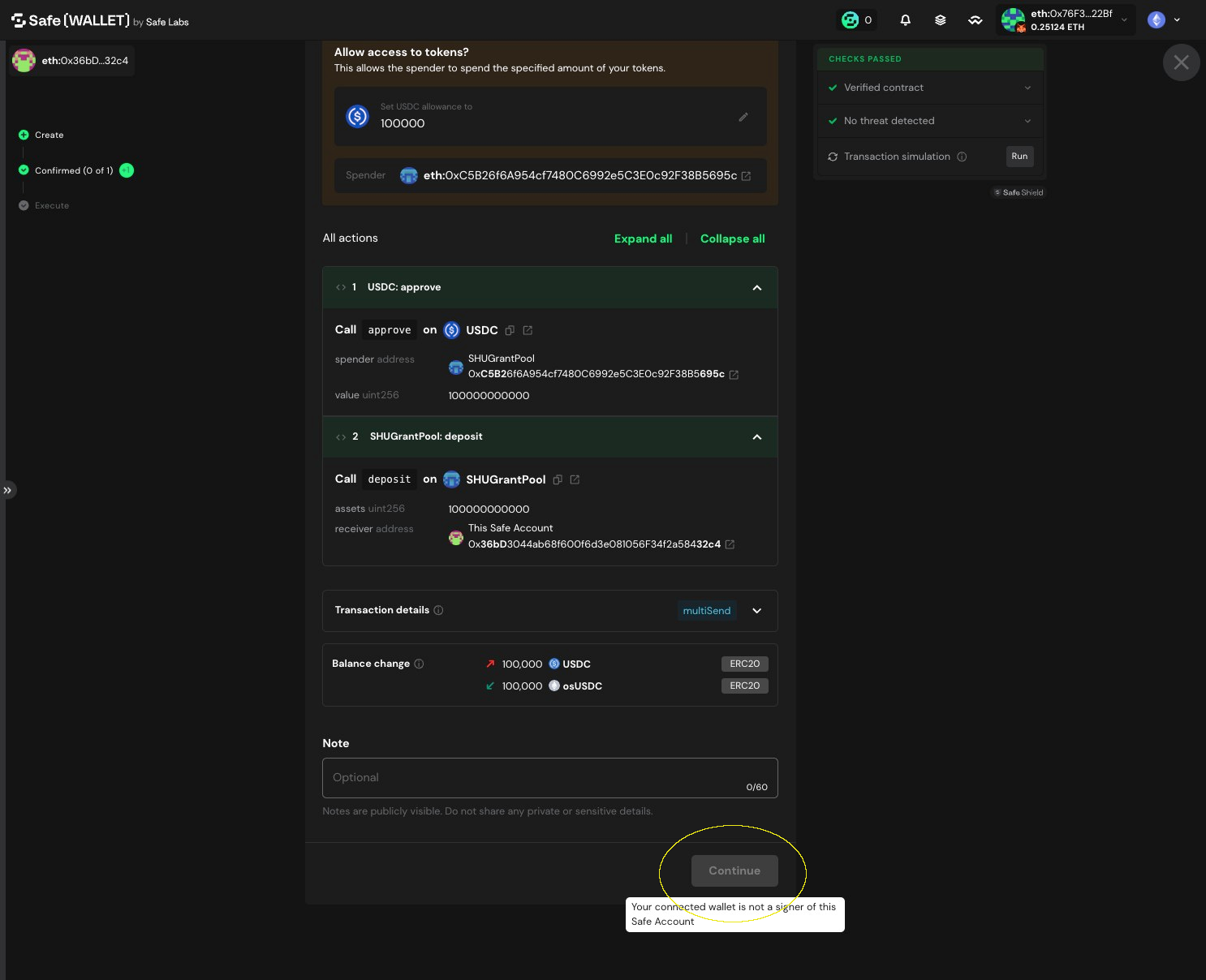
How to Deposit USDC on Octant Vaults
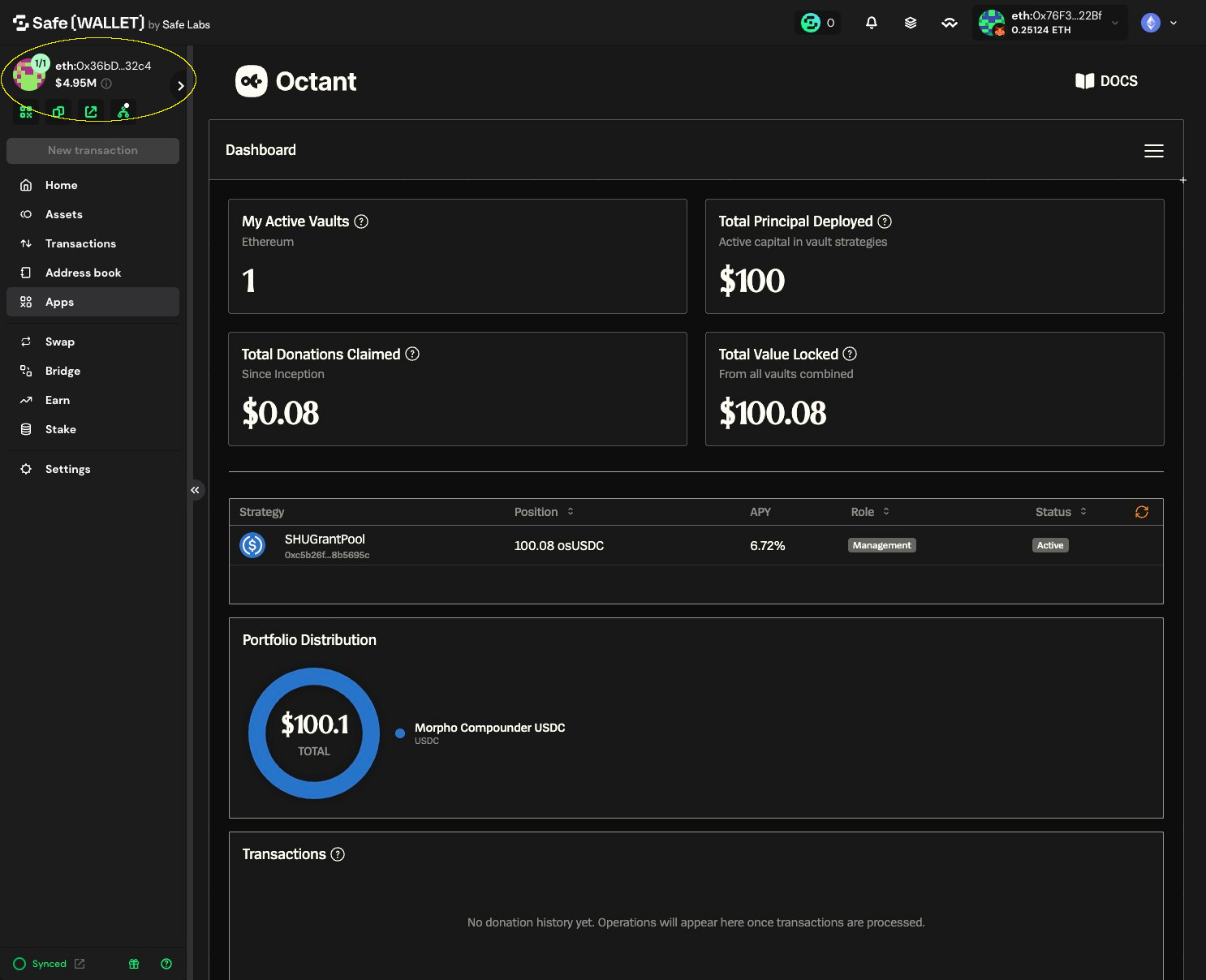
1. Verify you are connected to the correct Safe
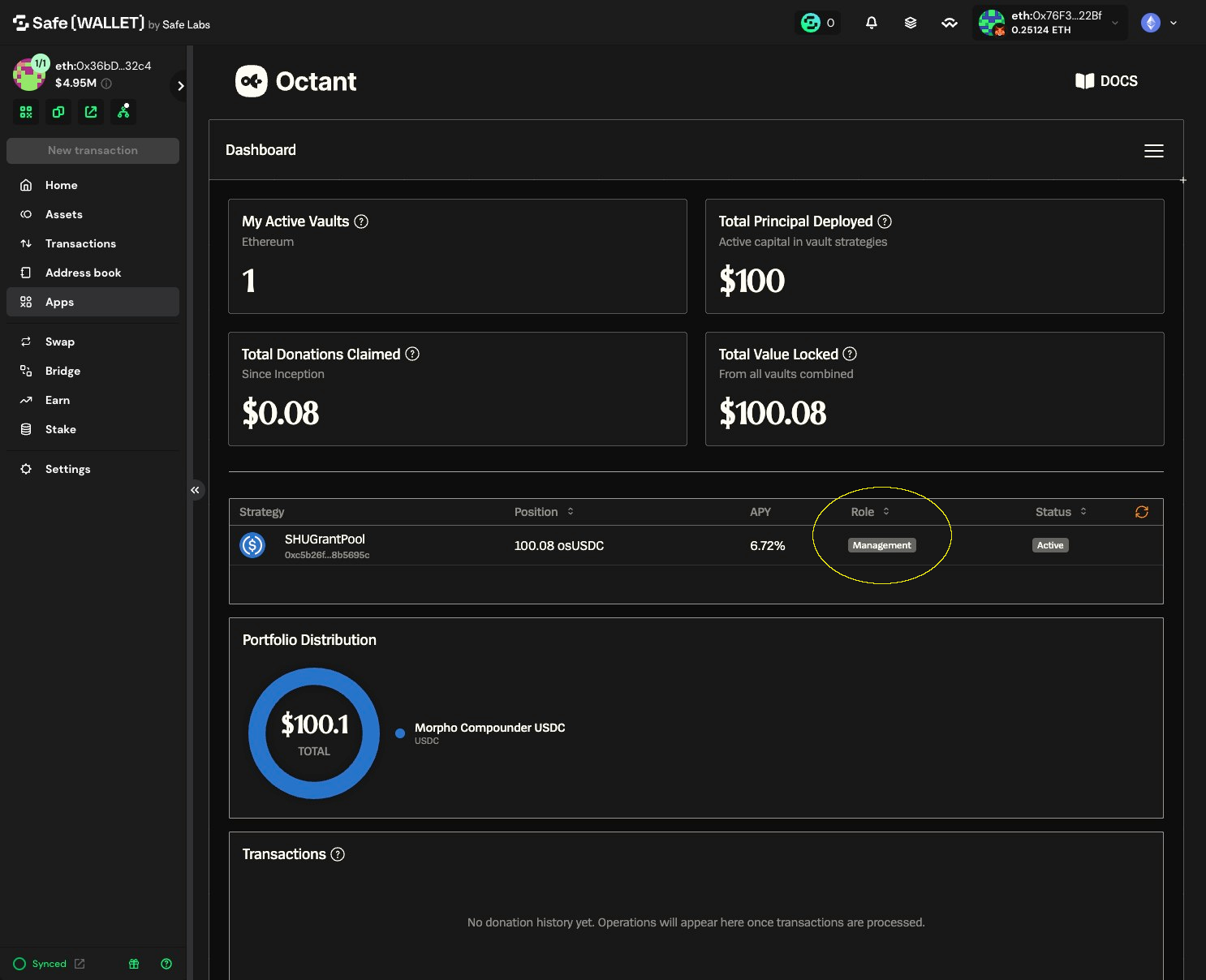
2. Confirm this Safe has a Management role (required to access Admin actions)
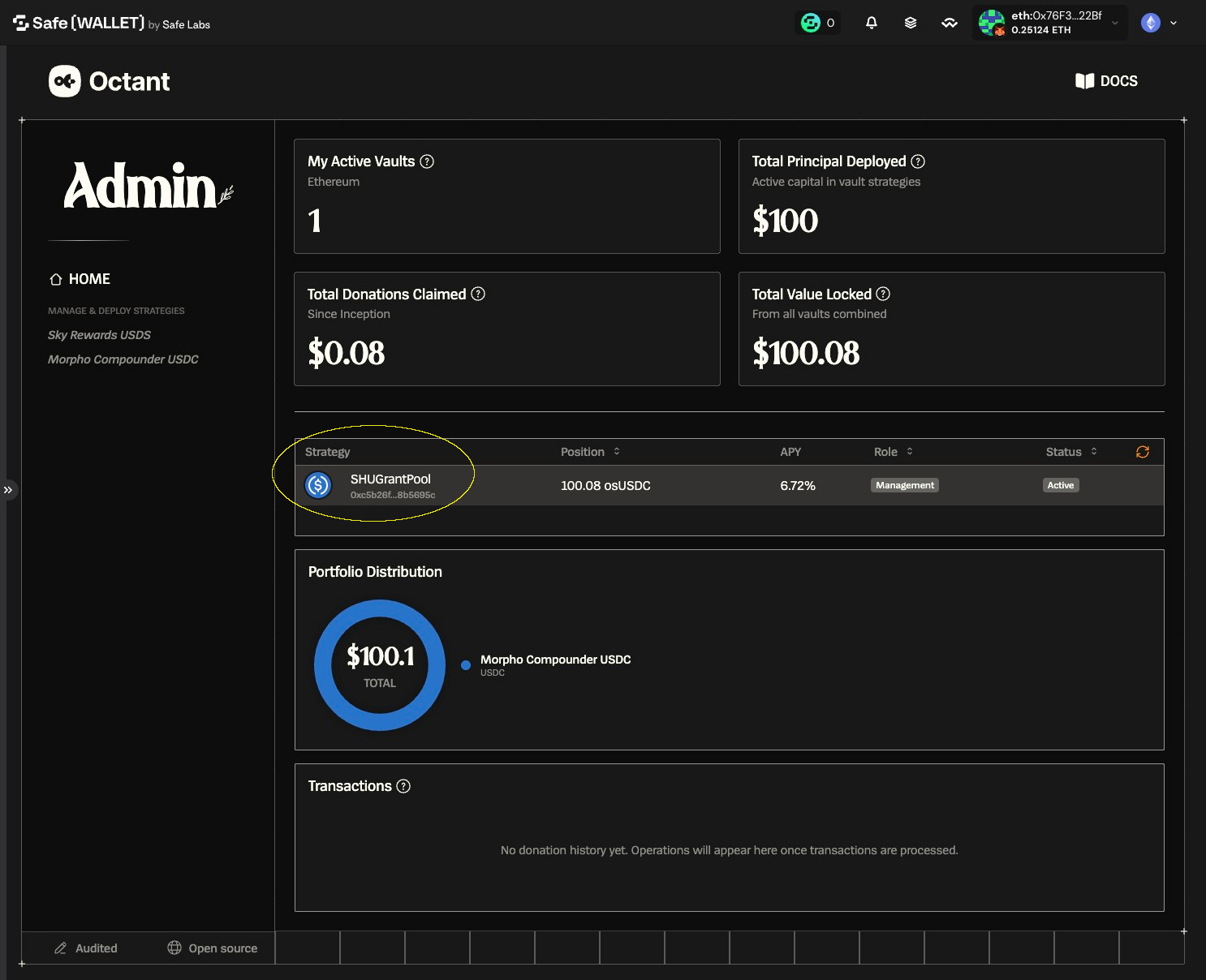
3. Select the vault you want to interact with
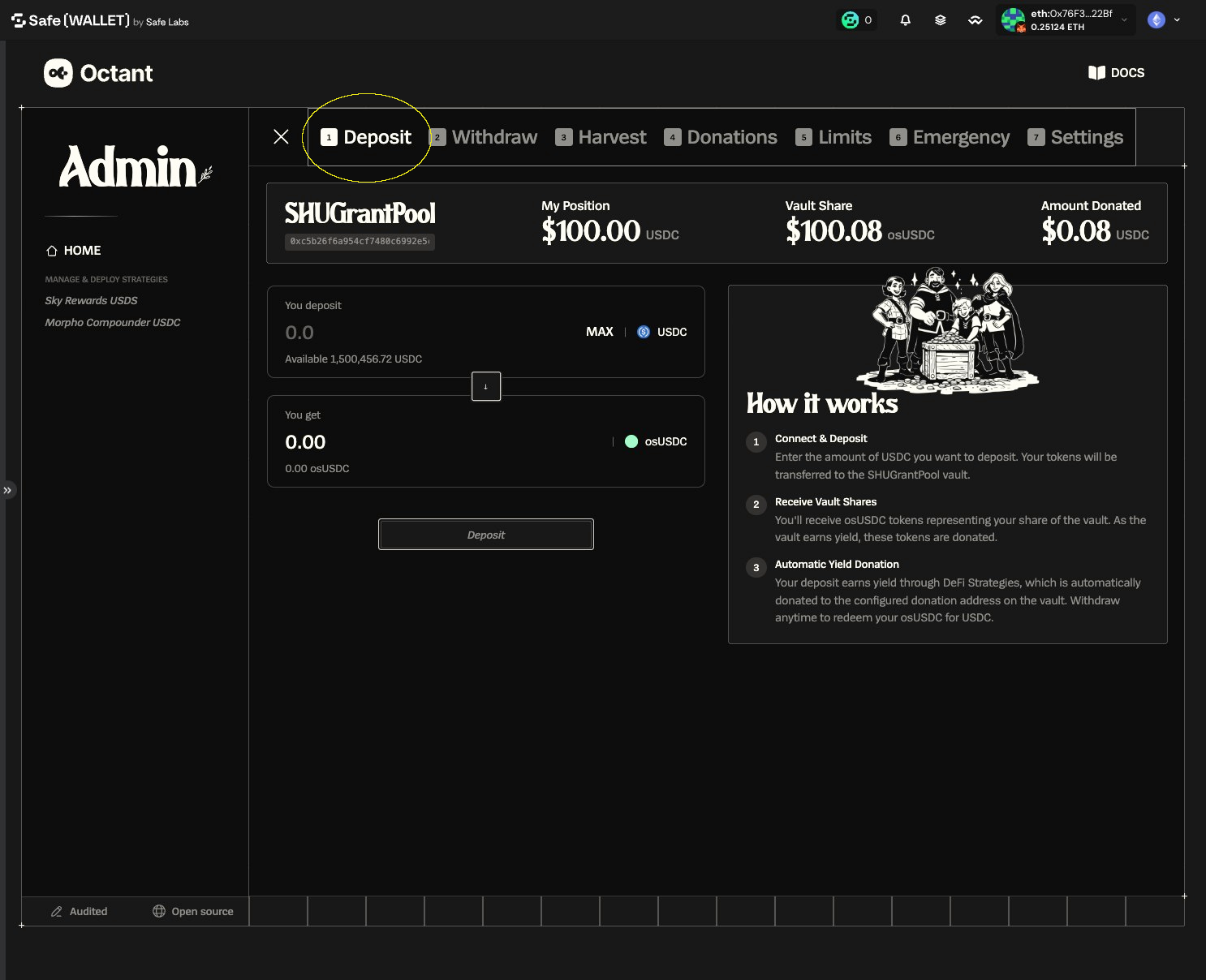
4. Select the action you want to propose the multisig to take, e.g. Deposit
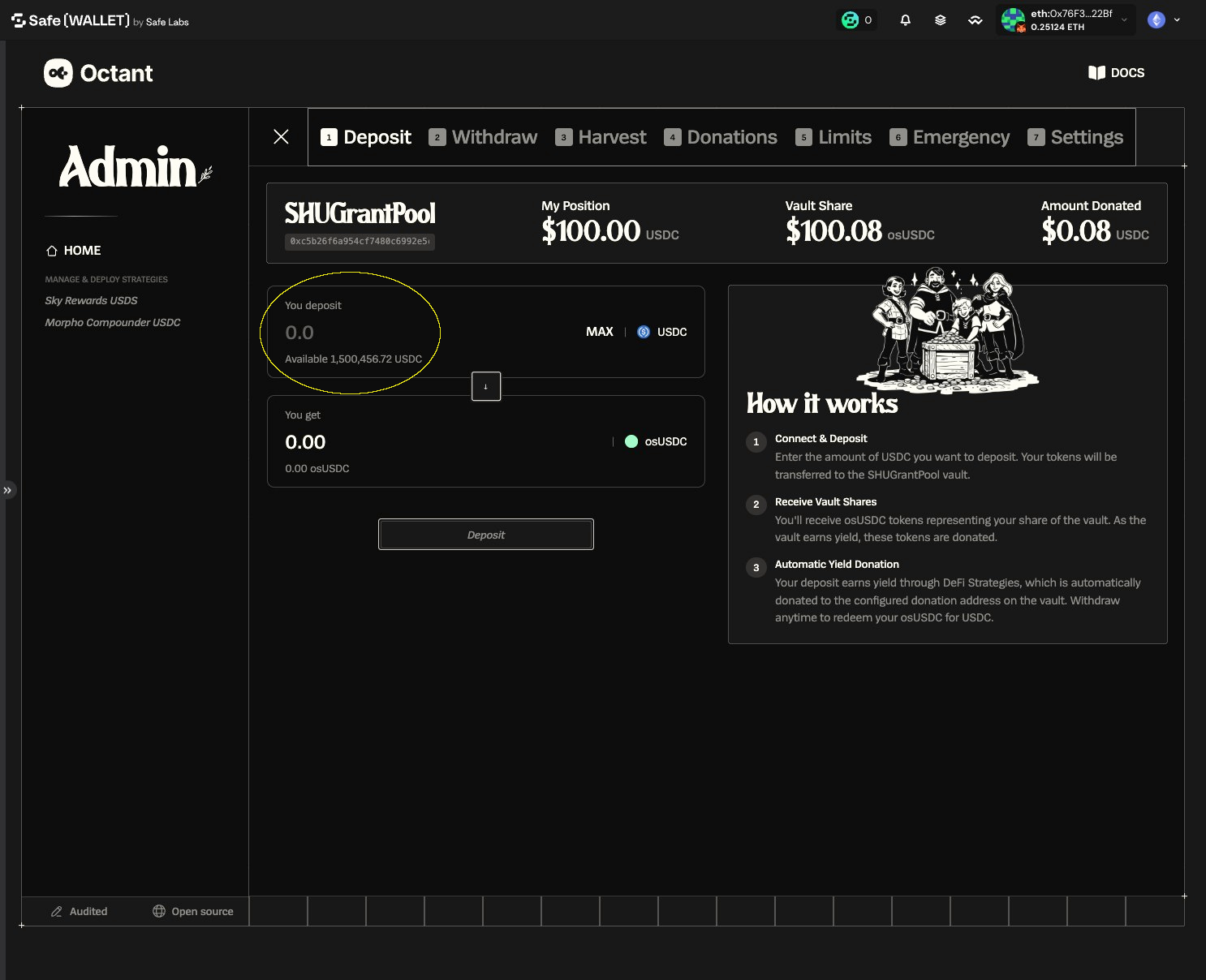
5. Enter the deposit amount
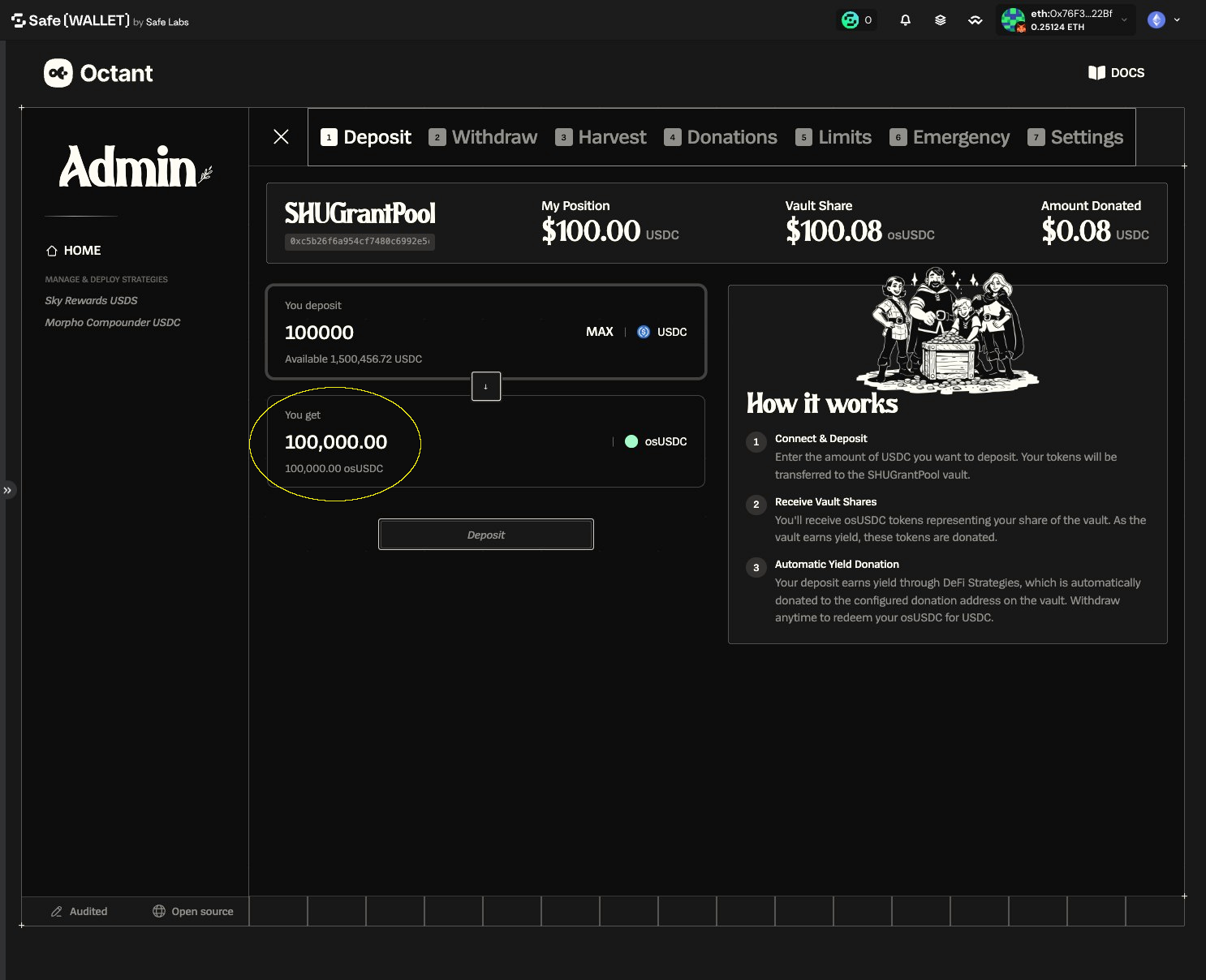
6. Review the estimated vault shares you'll receive (based on your deposit)
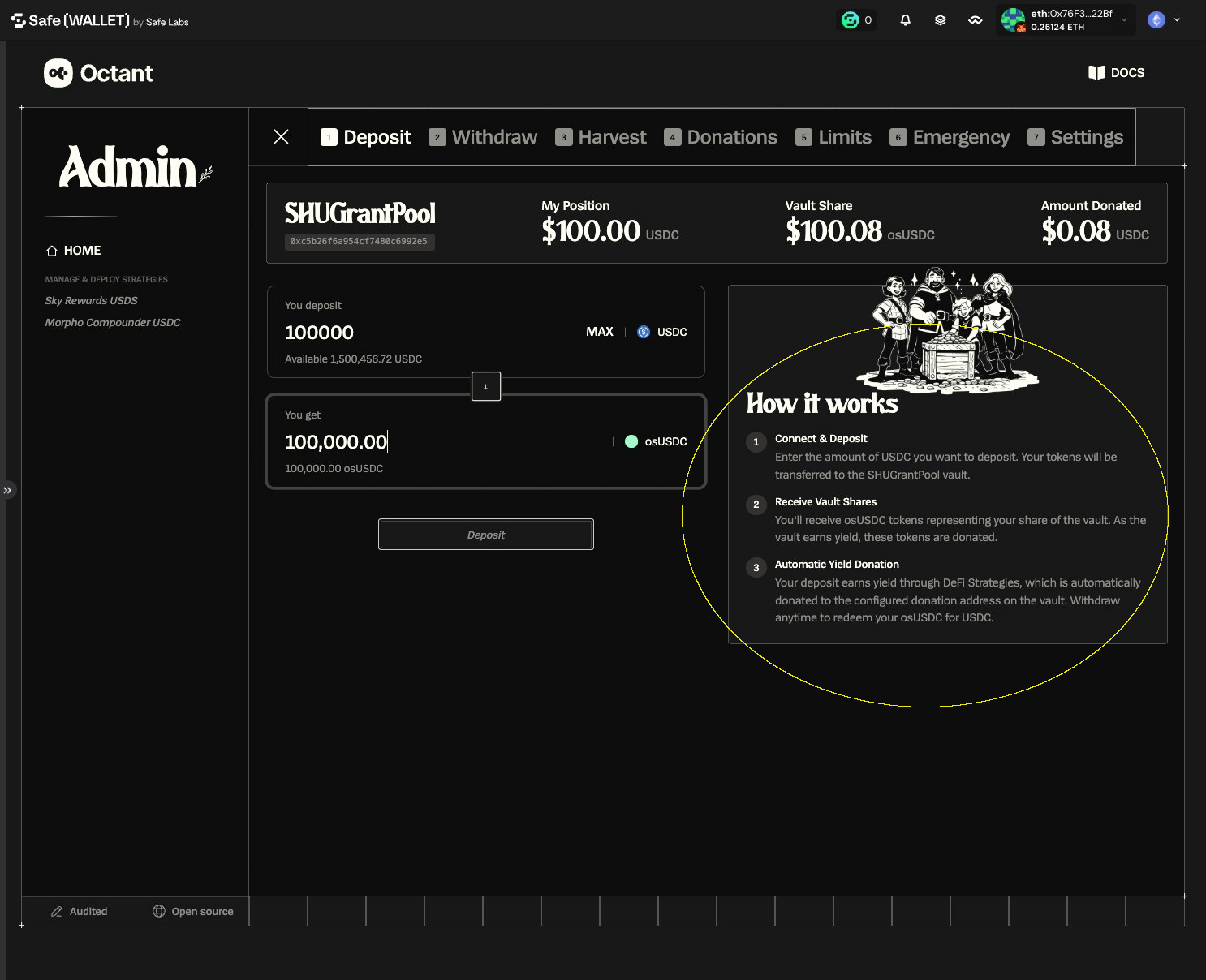
7. Optional: review 'How it works' for fees, shares, and donations
8. Click "Deposit"
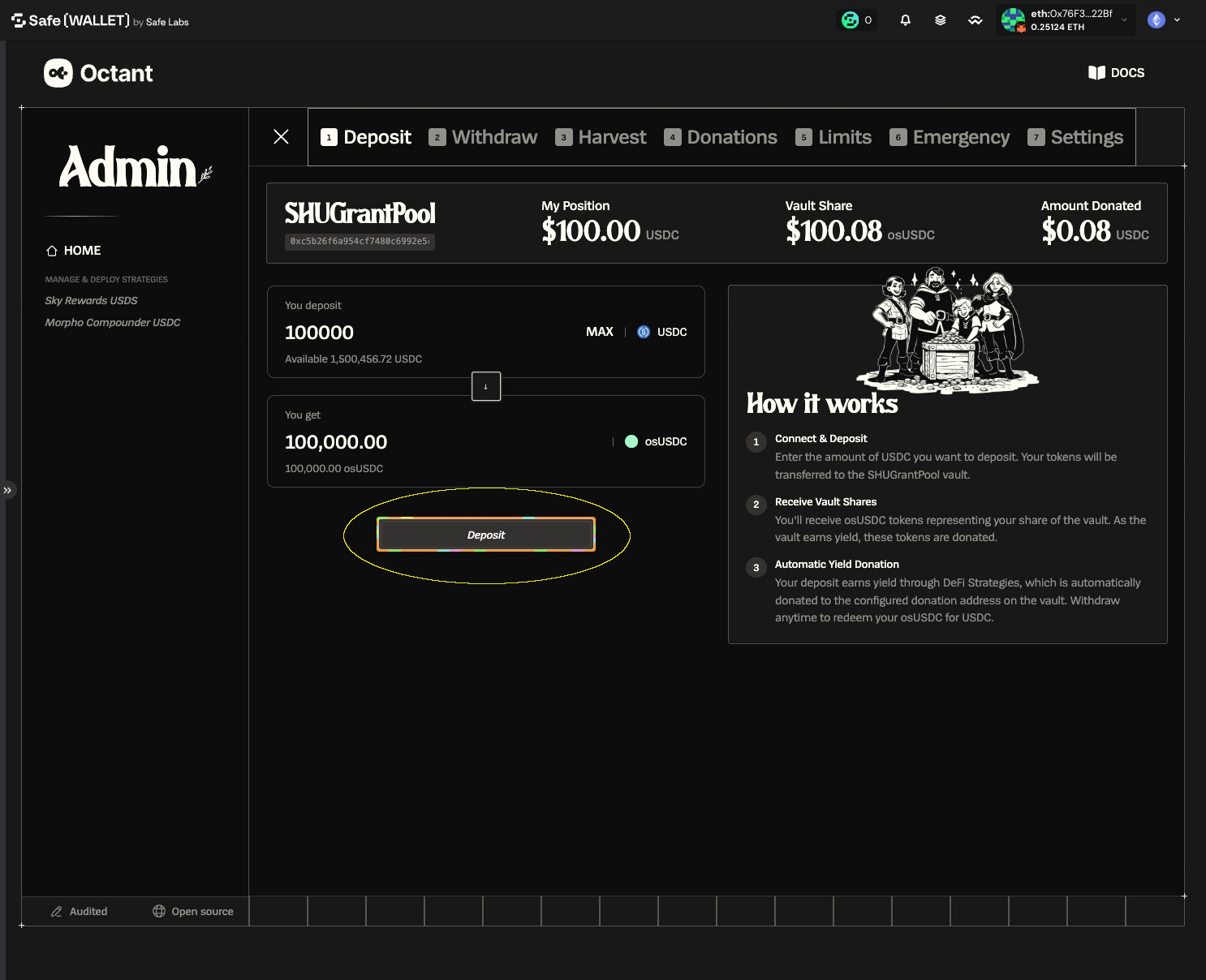
9. Inspect transactions
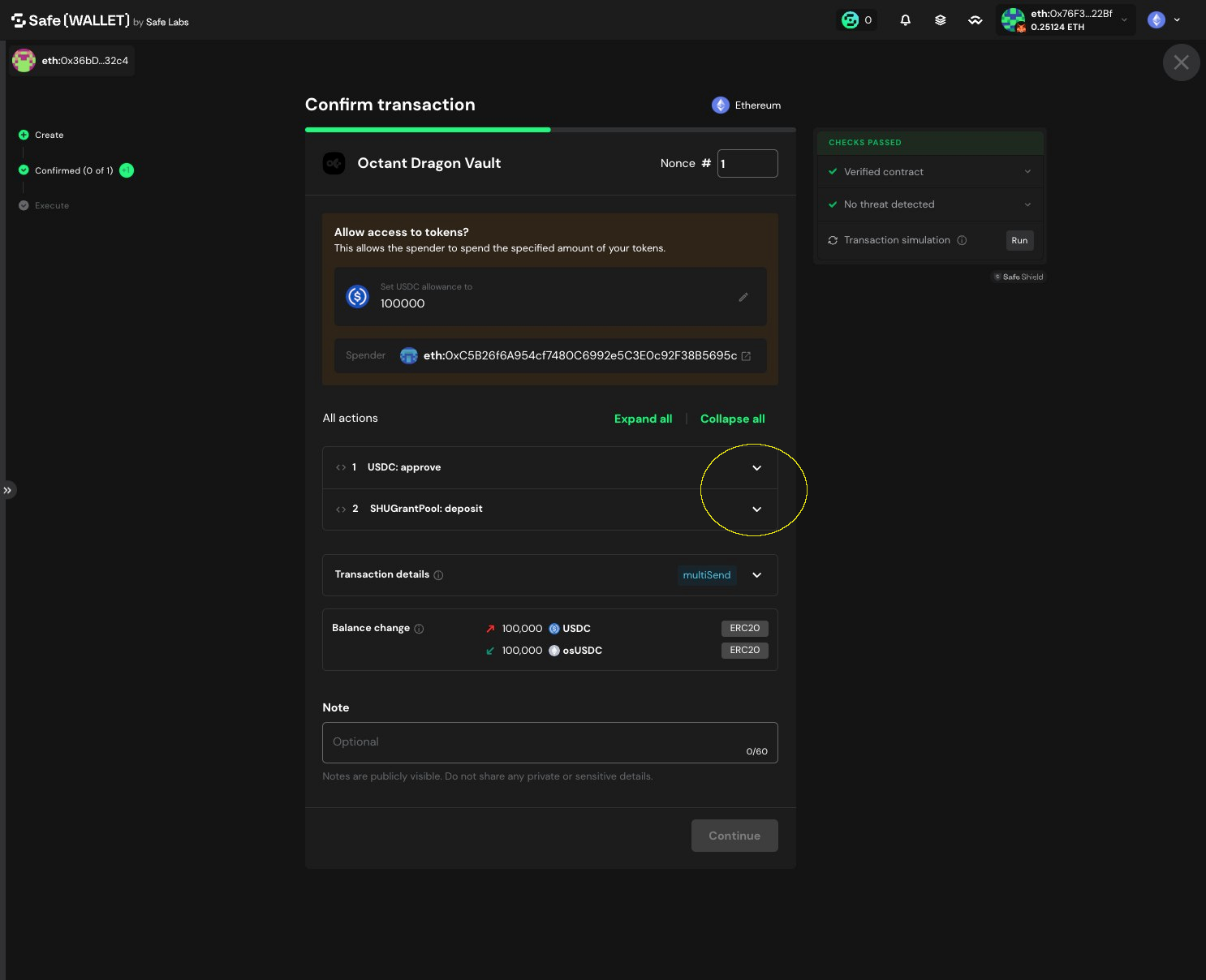
10. Transaction 1 approves the vault to spend your USDC (allowance)
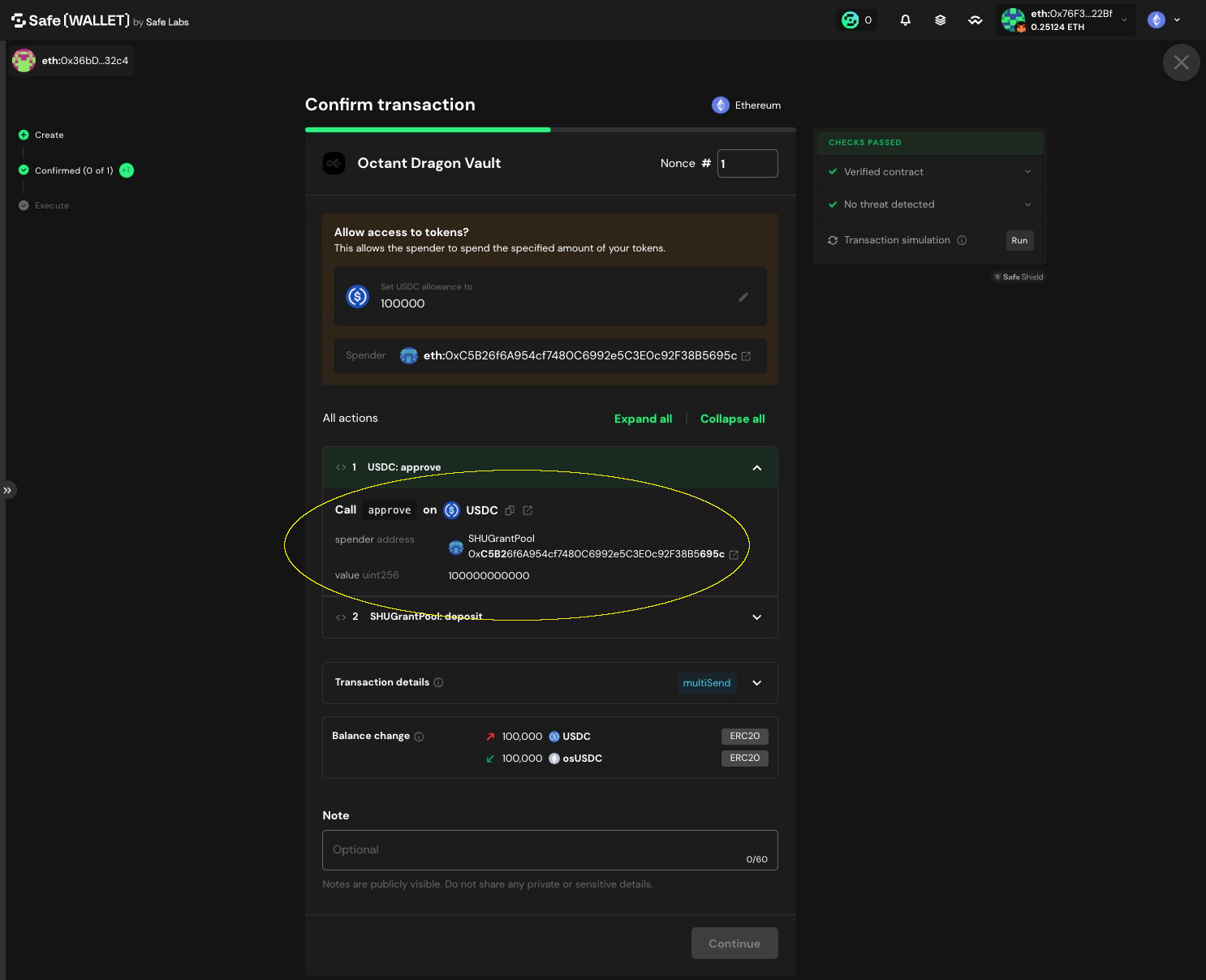
11. Inspect the next transaction
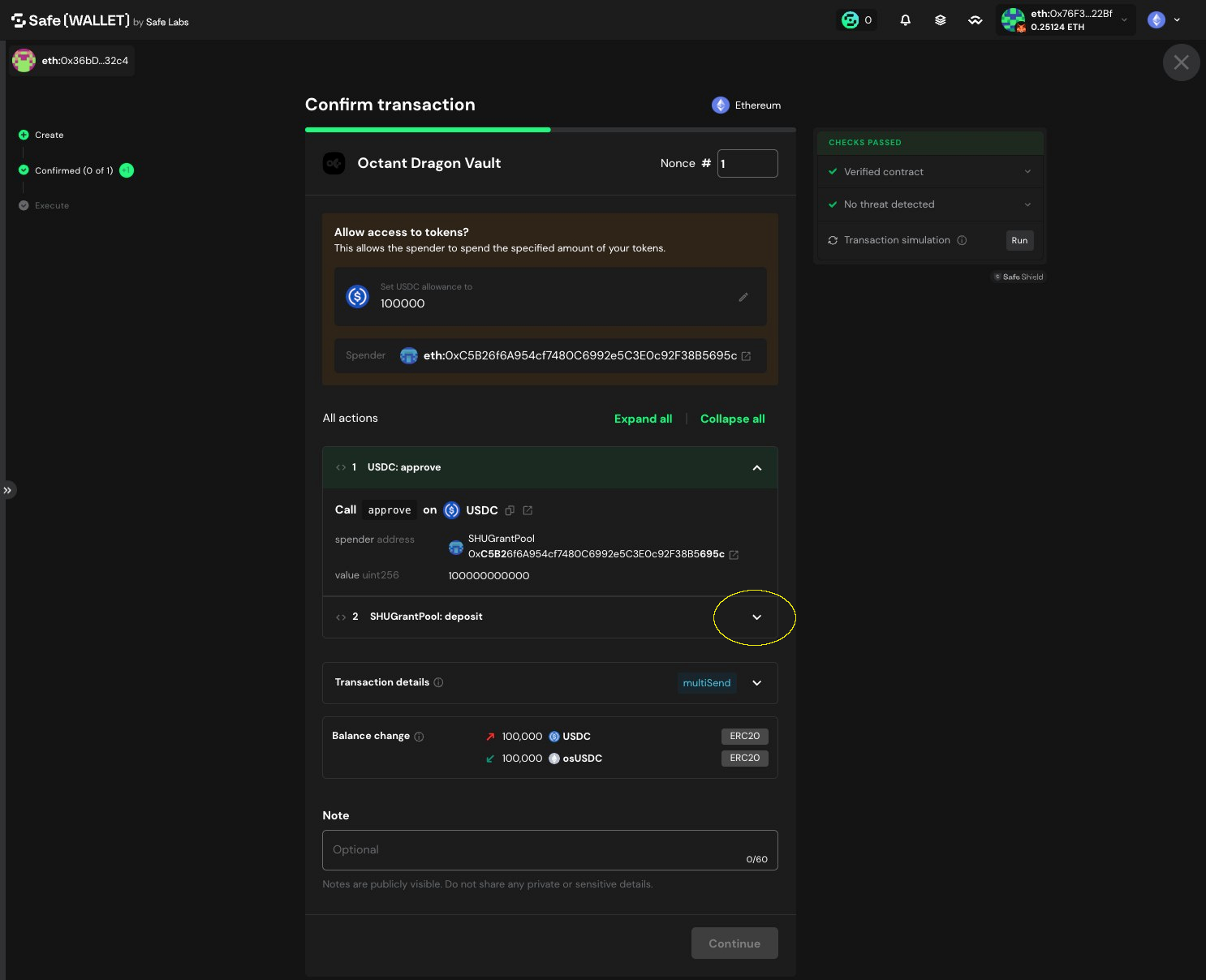
12. Expand details to confirm deposit amount and destination vault
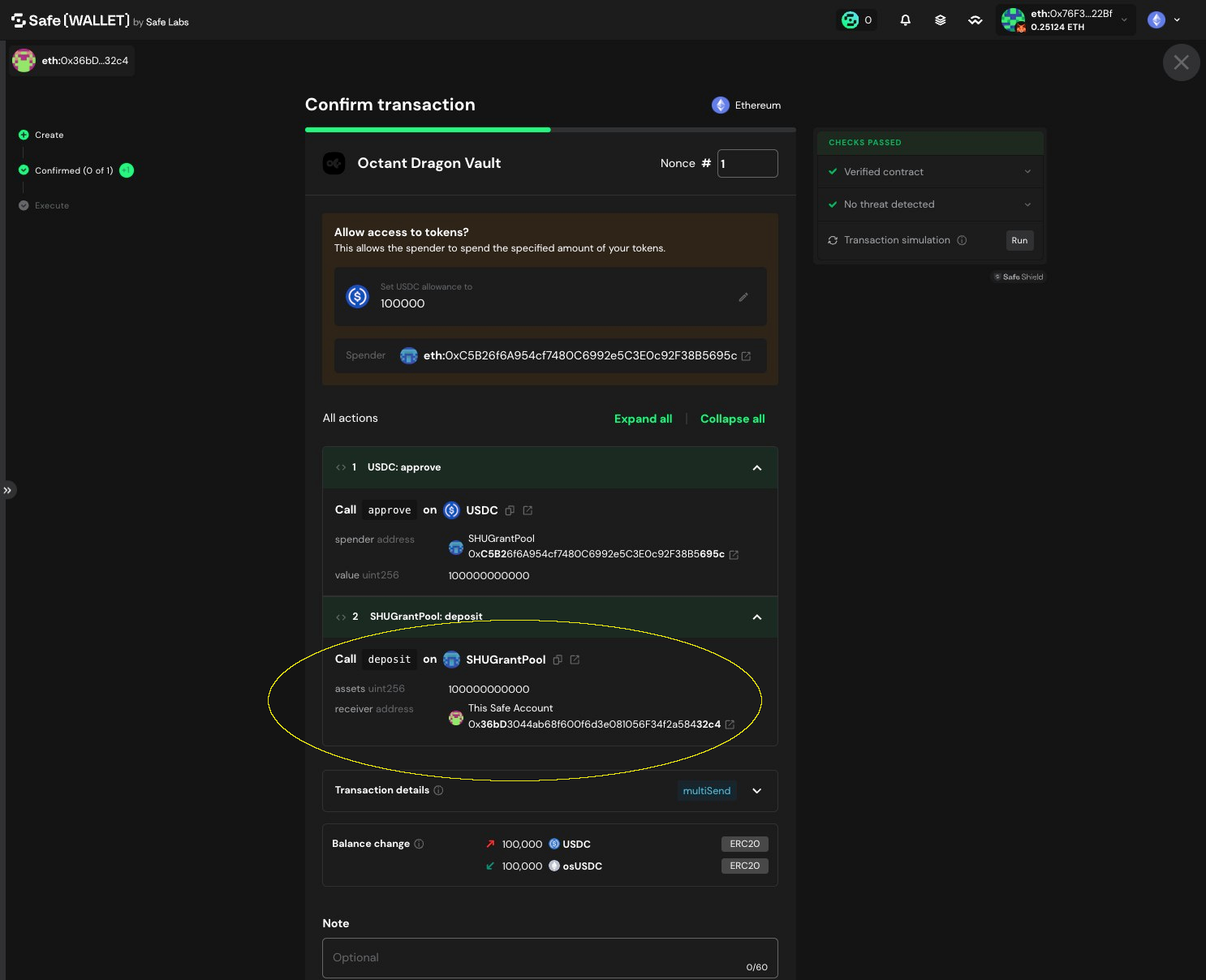
13. Use Safe simulation to confirm the expected USDC out and vault shares in
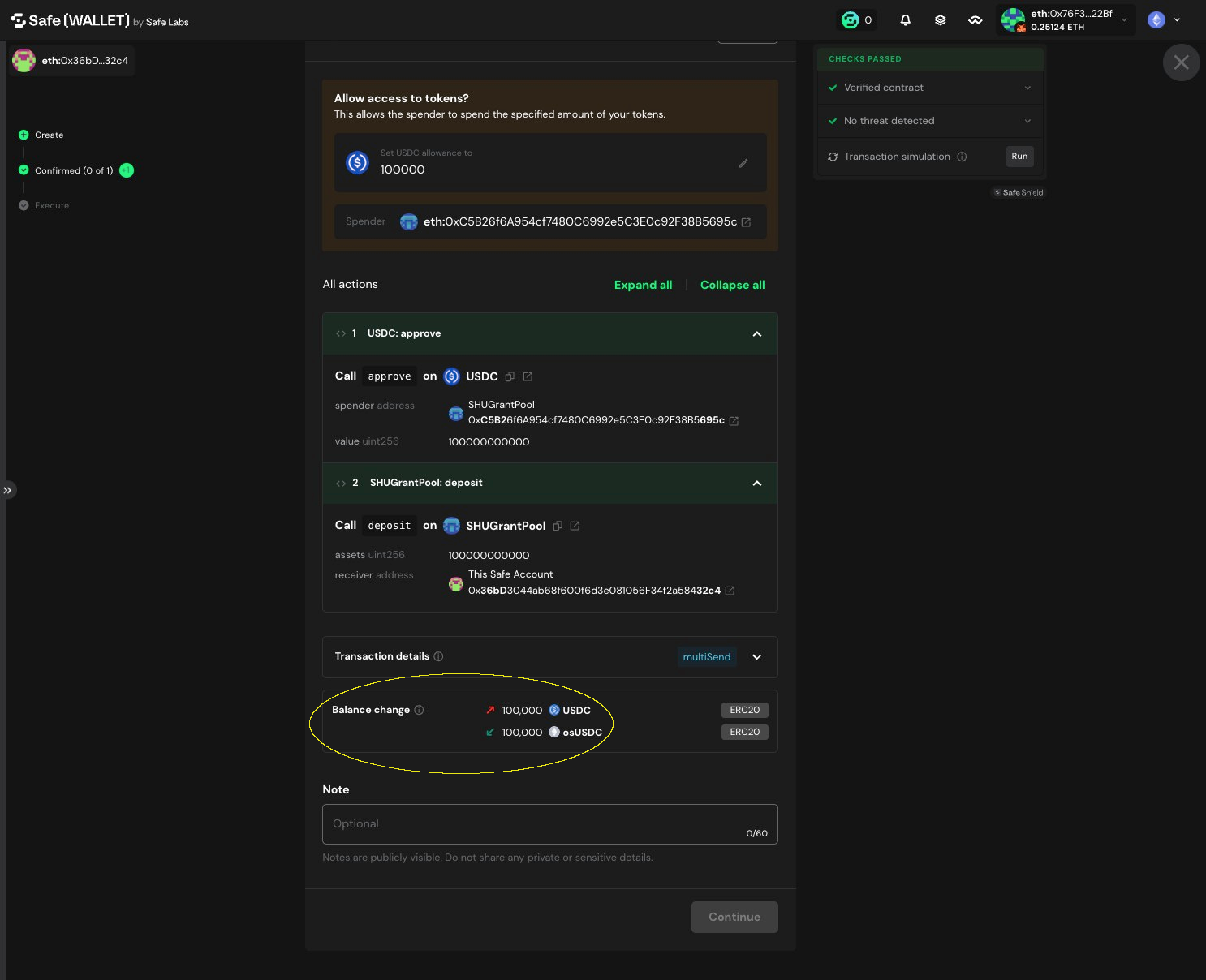
14. Click "Continue" and proceed with remaining multisig flow