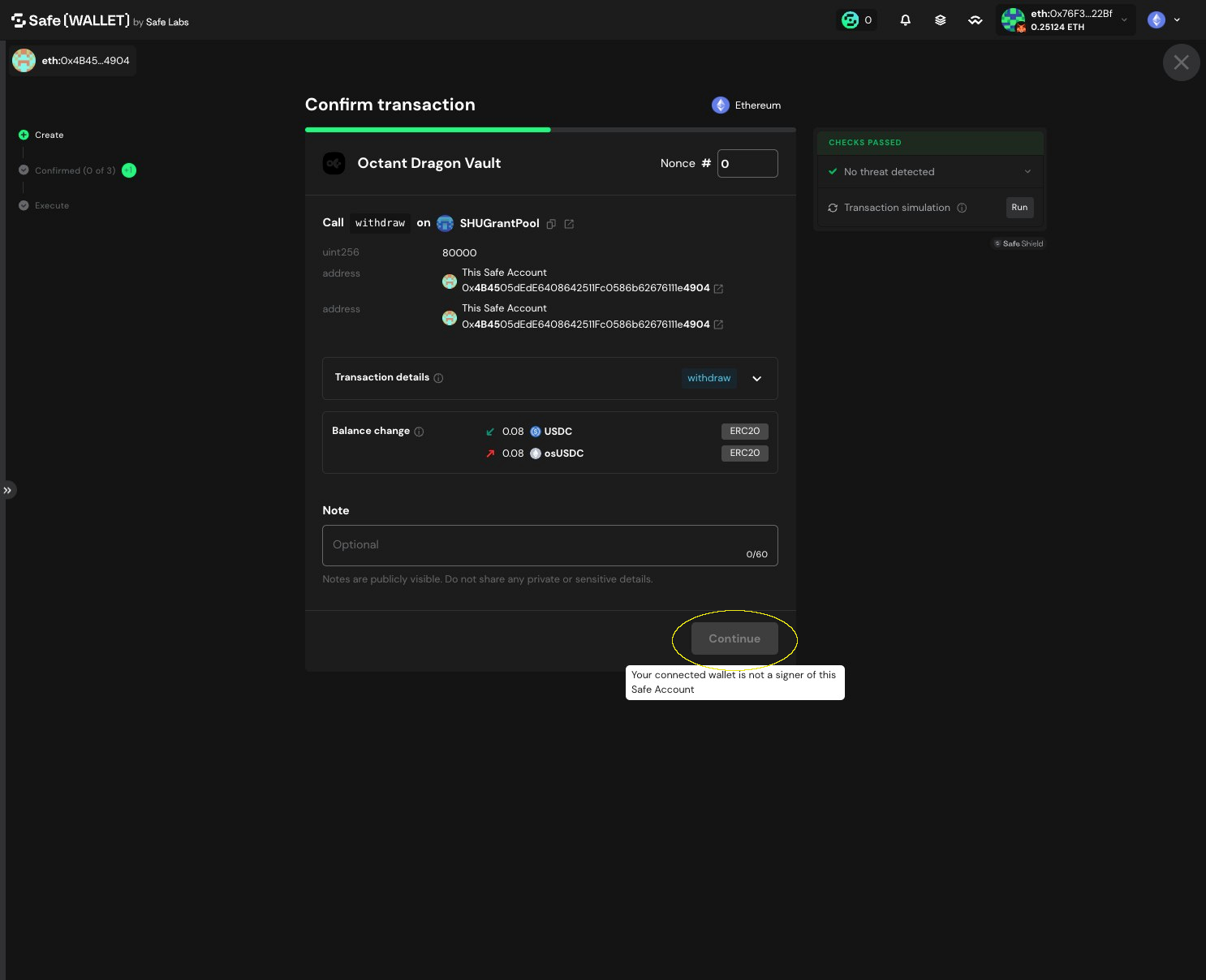
How to Withdraw osUSDC from Octant Vaults
1. Verify you are connected to the correct Safe
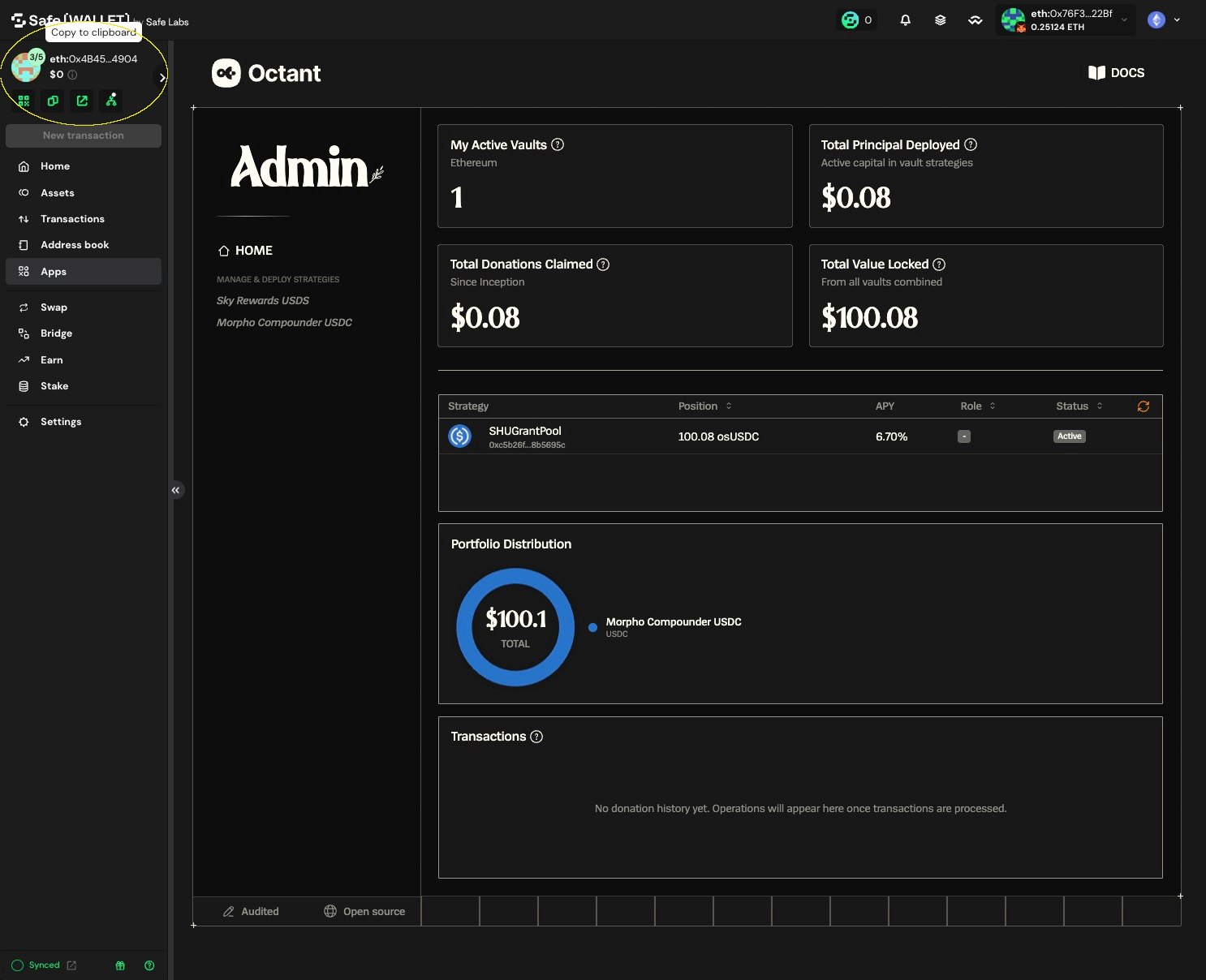
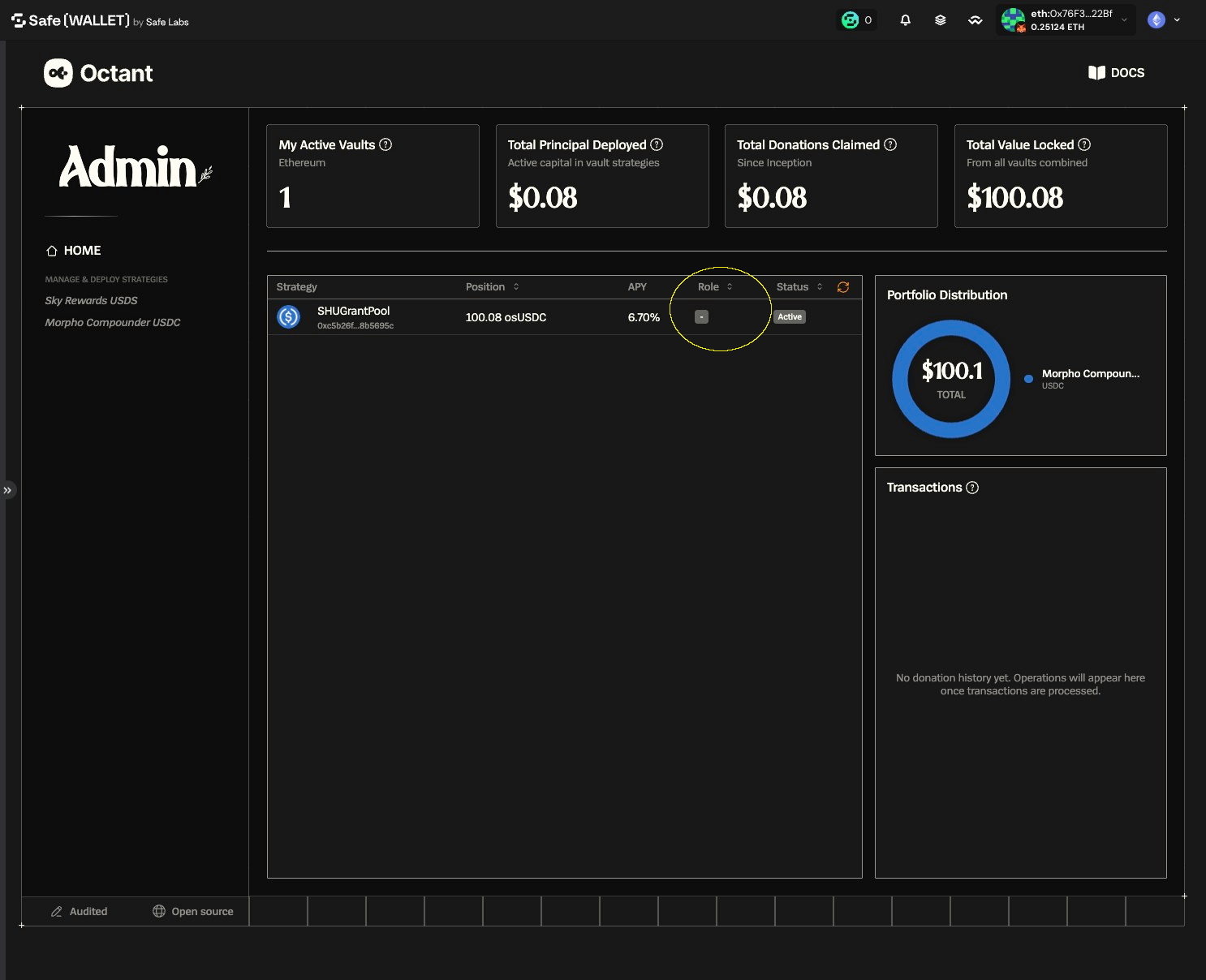
2. Confirm this Safe has a Management role (required for Admin actions)
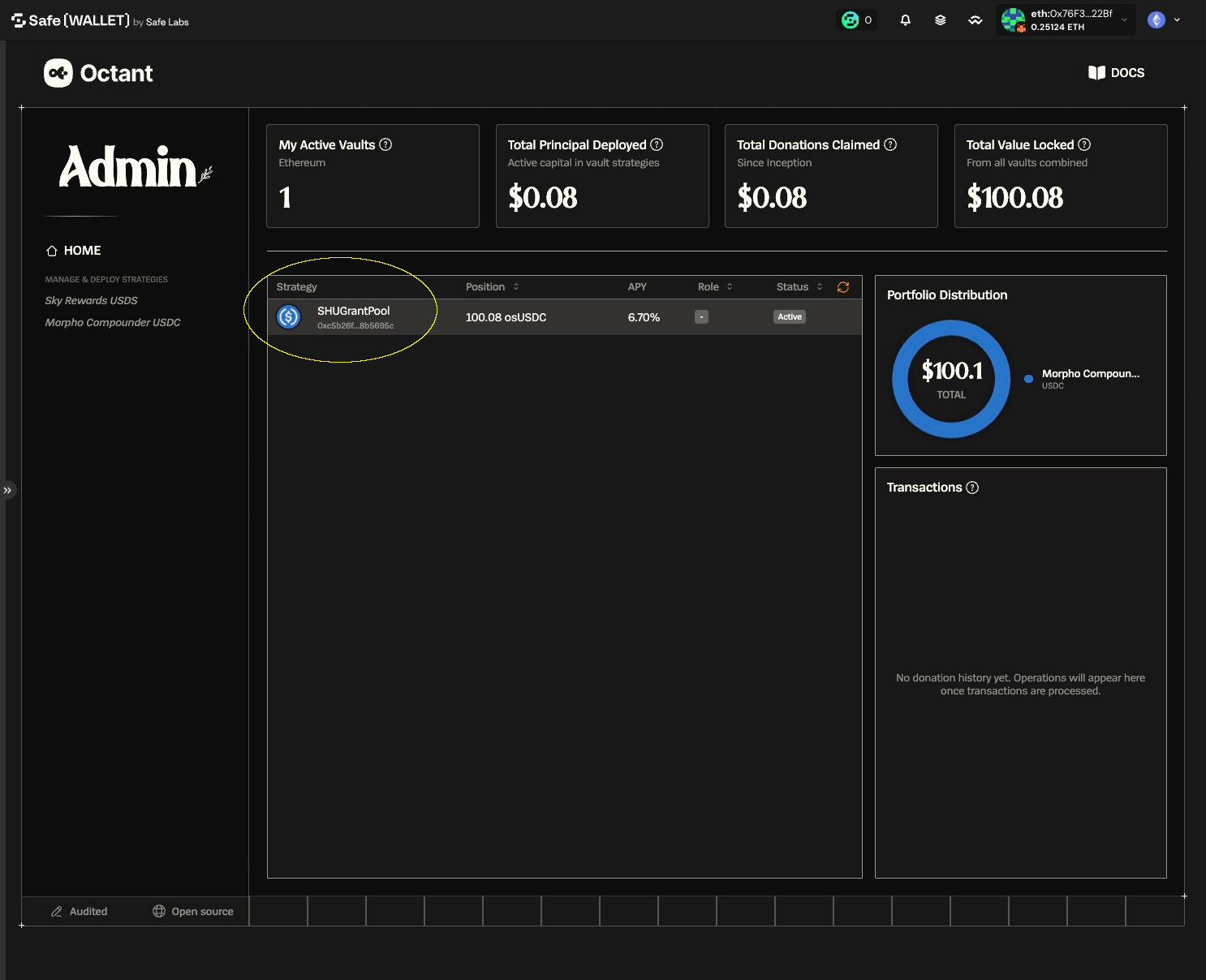
3. Select the vault you want to interact with
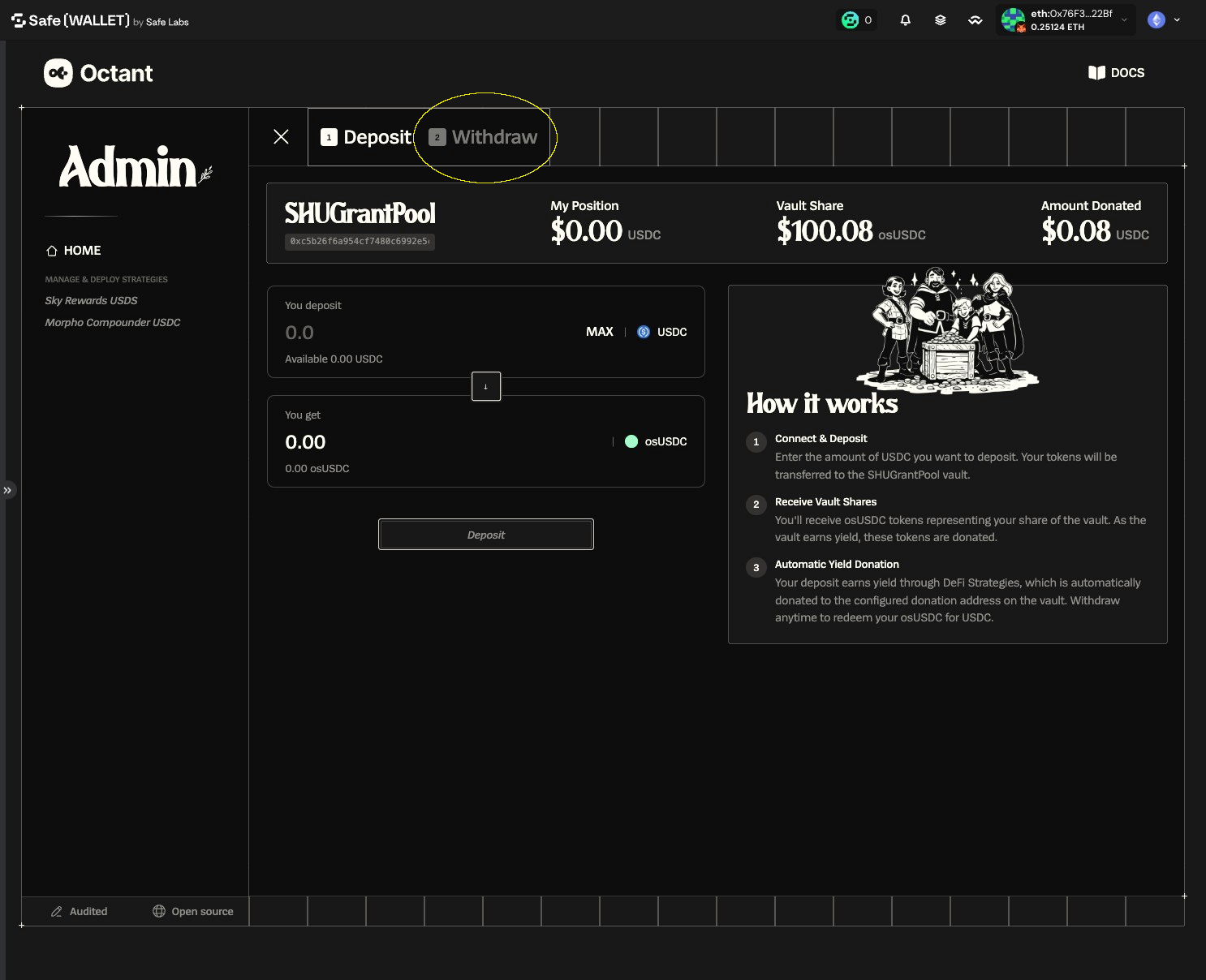
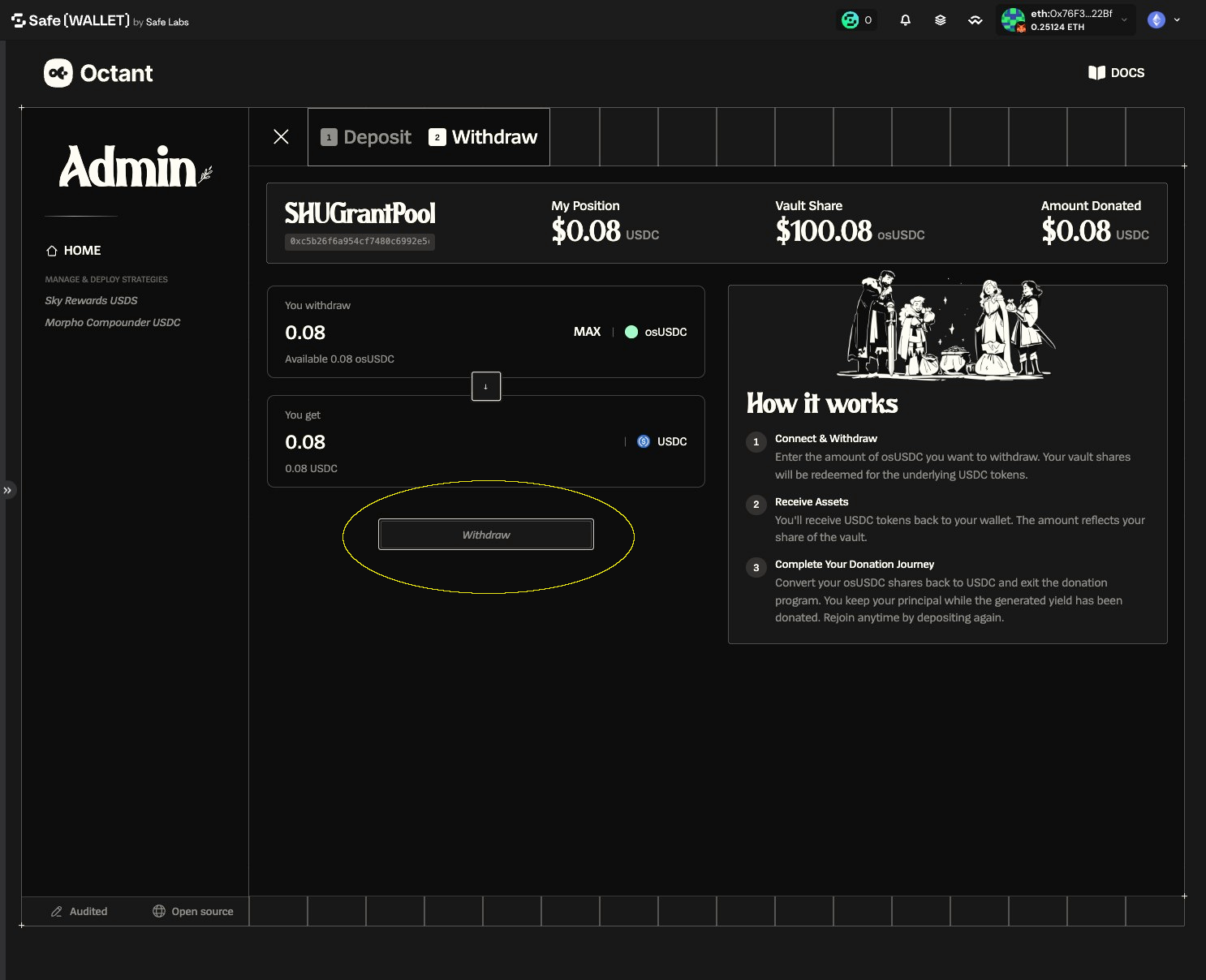
4. Click "Withdraw"
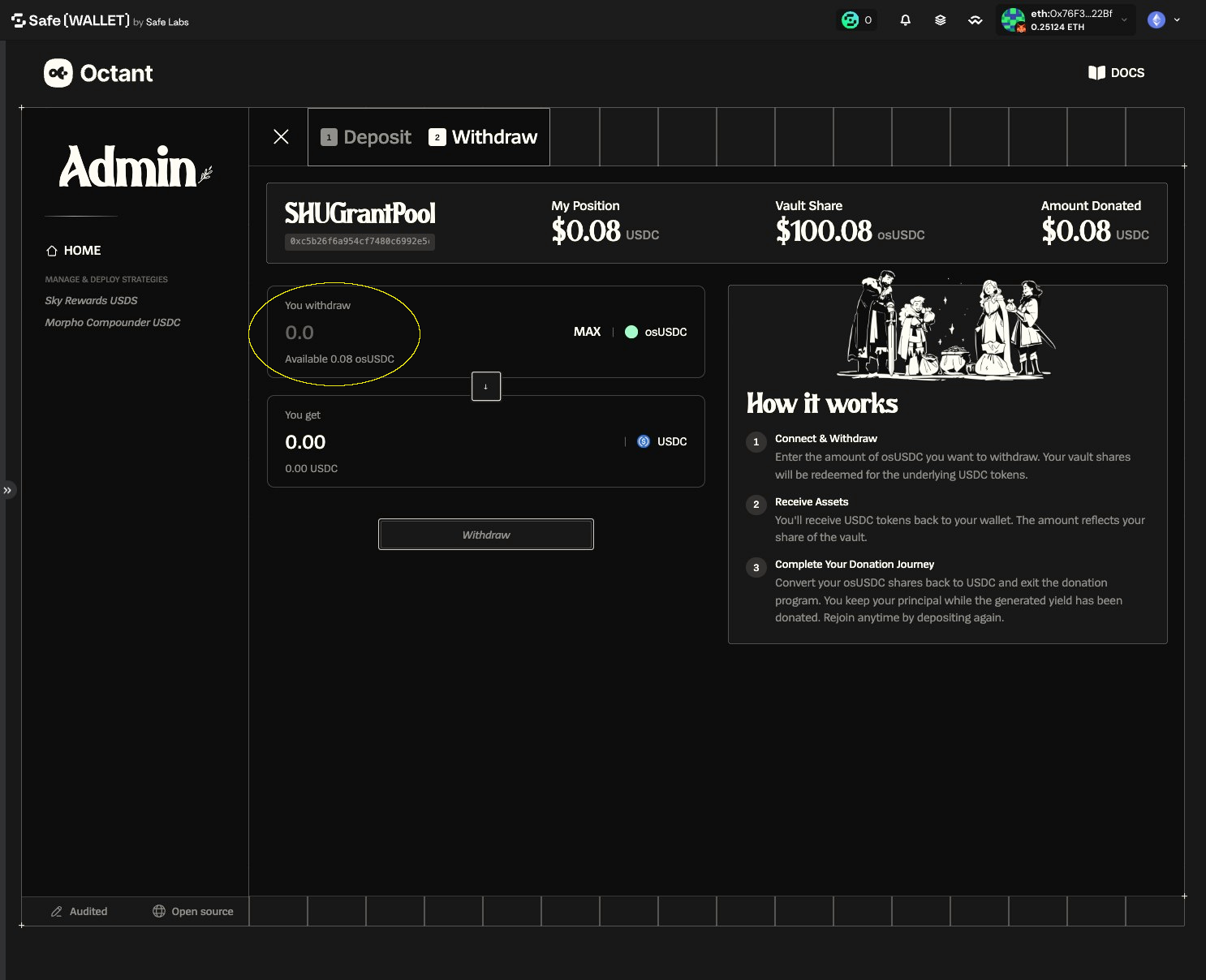
5. Enter the amount you want to withdraw
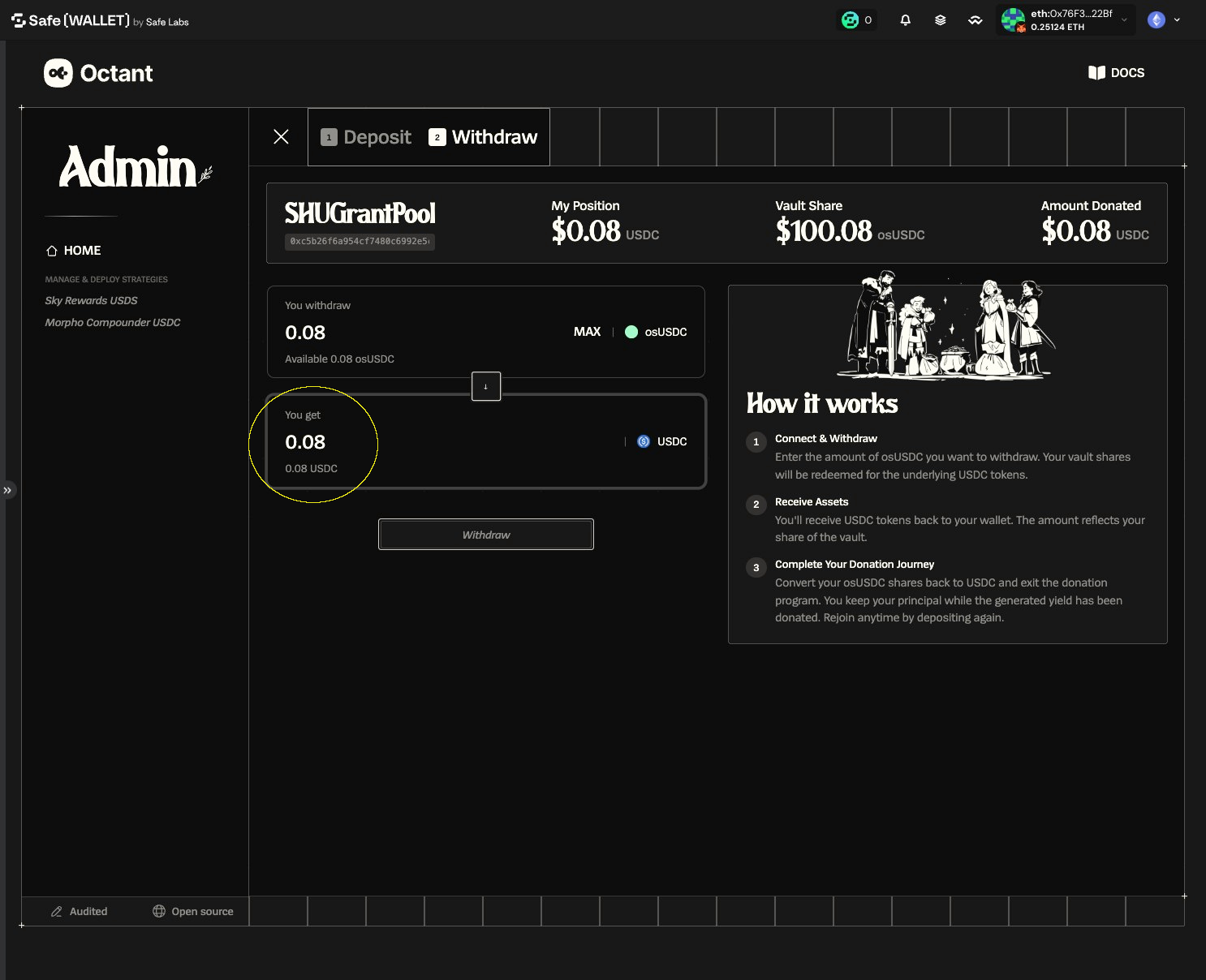
6. Note the amount and token you will receive
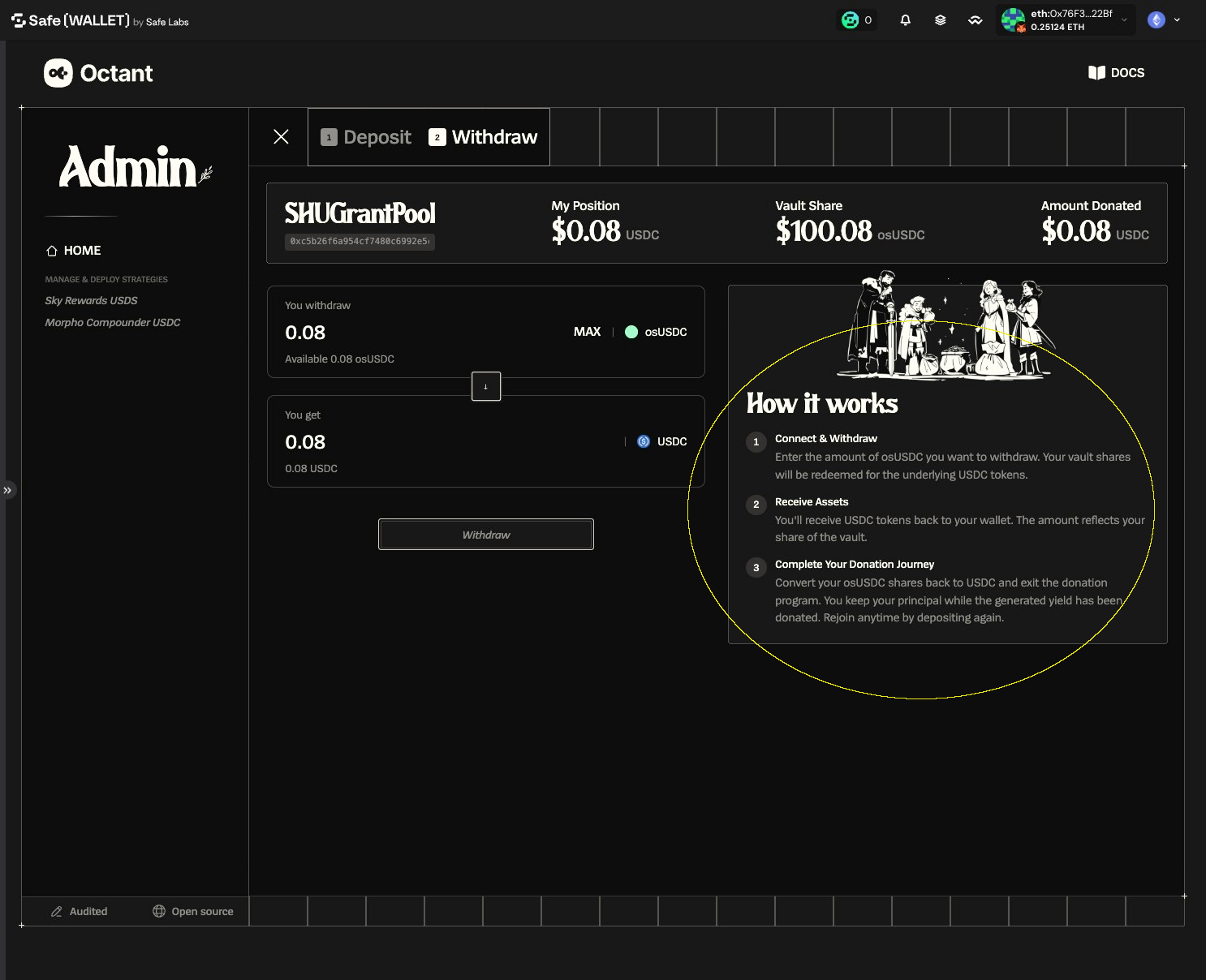
7. Read the How it works section
8. Click the Withdraw Button
9. Verify the simulated balance transfer
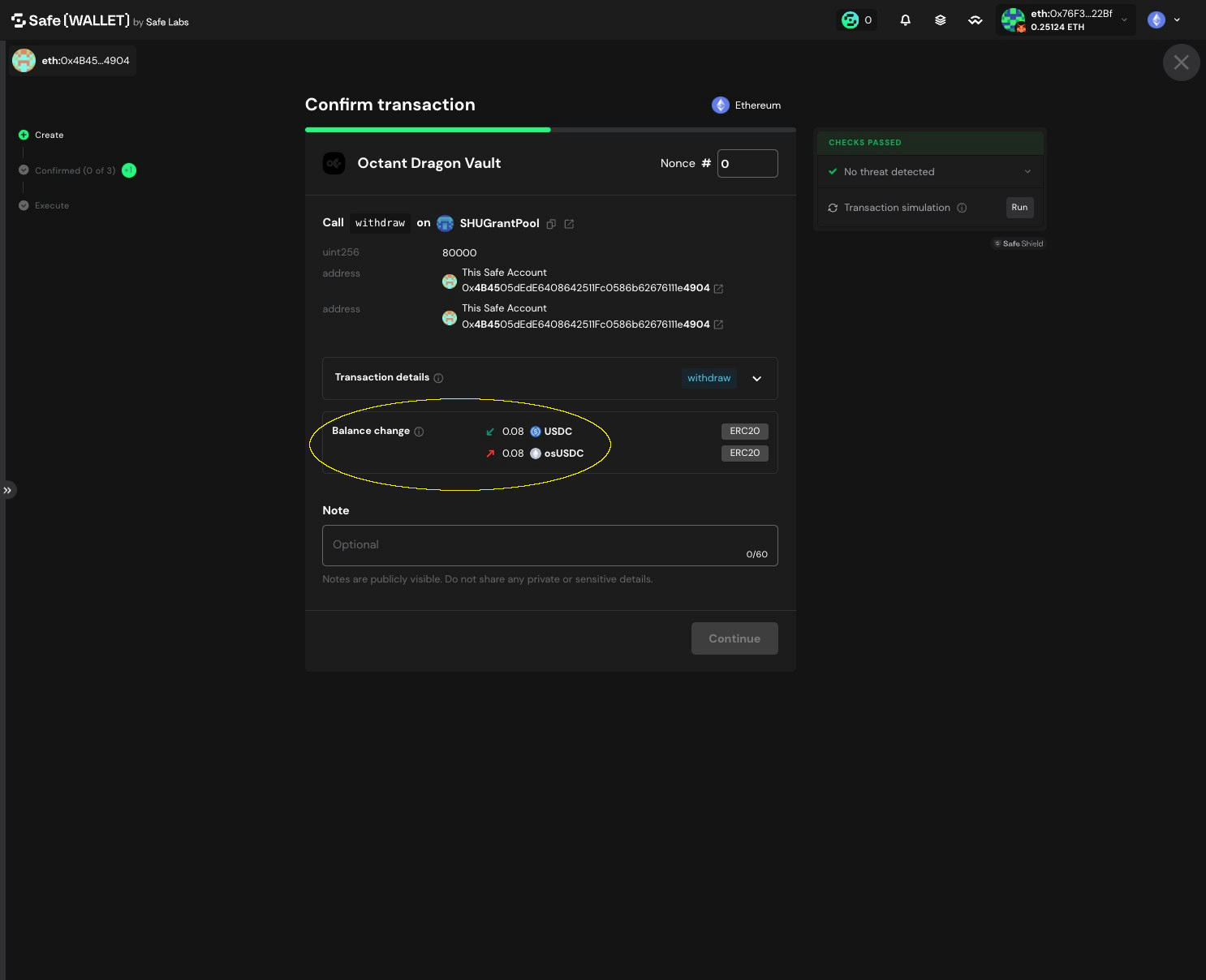
10. Click "Continue" and sign / execute transaction through multisig flow